How to Choose the Right AI Assistant for Your Business
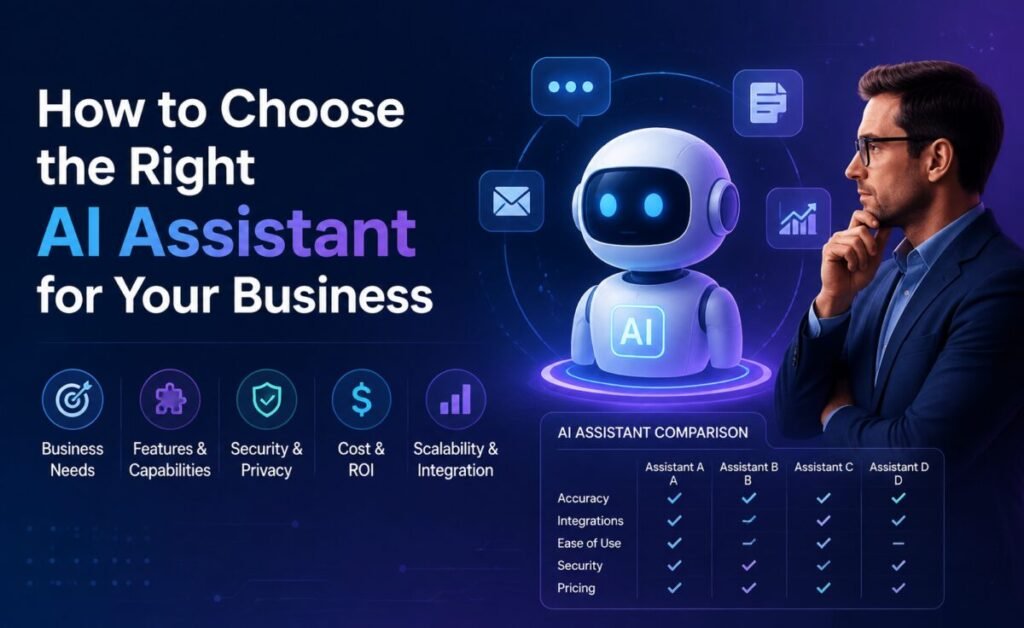
Most businesses don’t fail to get value from AI assistants because they picked the “wrong” model. They fail because they picked a tool based on a feature list or a demo, without a clear picture of which specific problems it needed to solve, who would actually use it, and how success would be measured. The technology has matured faster than most organizations’ process for evaluating it — which means the businesses getting real, durable value are usually the ones with a disciplined selection process, not just the ones with access to the most capable model.
This is a practical framework for that process: the questions worth asking before signing a contract, the tradeoffs that actually matter, and the mistakes that quietly waste the most money and goodwill.
Start With the Problem, Not the Tool
The single most common mistake is starting the conversation with “which AI assistant should we buy” instead of “what specific, recurring problem is costing us the most time or money right now.” A vague goal like “improve productivity with AI” produces a vague, hard-to-evaluate rollout. A specific goal — “cut the average time to draft a client proposal from three hours to one” — produces a clear success metric and a much easier tool comparison, because you can actually test candidates against the real task.
The Questions That Actually Predict Success
Who is the end user, really?
An assistant chosen by a technical team for their own use has completely different requirements than one meant to be rolled out to non-technical staff across a whole department. The gap between “impressive when I use it” and “actually gets adopted by the team” is one of the most common places business AI investments quietly fail — a tool with a steep learning curve will underperform a simpler one that people actually open every day.
What does it need to connect to?
An assistant’s raw intelligence matters less than its integration story once you’re using it for real business tasks. If the value depends on the assistant seeing your calendar, your CRM, your shared drives, or your support tickets, evaluate the depth and reliability of those integrations as seriously as the model’s reasoning quality — a brilliant assistant with no access to your actual data will underperform a more modest one that’s properly connected.
What are the data-handling and security terms?
Before any pilot touches real customer or business data, get clear, written answers to: is our data used to train the underlying model, how long is it retained, who at the vendor can access it, and what happens to it if we cancel. For regulated industries, this list gets longer — data residency, compliance certifications, and audit logging often become non-negotiable rather than nice-to-have.
How does it fail, and how visible is that failure?
Every AI assistant will occasionally produce a wrong or low-quality output — that’s not disqualifying on its own. What matters is whether failures are visible and easy to catch (a clearly flagged low-confidence answer) or silent and easy to miss (a confidently wrong number buried in an otherwise good-looking report). Ask vendors directly how their tool handles uncertainty, and test this yourself with a question you already know the answer to.
What’s the real cost at the usage level you’ll actually need?
Pricing that looks reasonable at a demo’s usage level can look very different once a whole team is using a tool daily for real work. Model the cost at realistic, scaled-up usage — not the free tier or the lightest paid plan — before comparing options on price.
A Simple Evaluation Framework
- Define the specific task and success metric before looking at any tool (e.g., “reduce average support ticket first-response time by 30%”).
- Shortlist 2–3 candidates based on the integration and data-handling requirements from above — this alone usually eliminates half the field.
- Run a real pilot with real work, not a sandbox demo, involving the actual end users who’d use the tool day to day.
- Measure against the metric you defined, not general satisfaction — “people liked it” is a weaker signal than “turnaround time actually dropped.”
- Check adoption after 30 days, not just after the first week — the tools that stick are the ones still being used once the novelty wears off.
Mistakes That Quietly Waste the Most Money
- Buying enterprise-wide before piloting narrowly. A department-wide rollout based on one impressive demo, without a real pilot, is the most common source of buyer’s remorse in this category.
- Ignoring change management. Even a genuinely good assistant will underperform if staff aren’t trained on how to use it well — writing effective instructions, checking outputs, and knowing when not to use it.
- Optimizing for the benchmark, not the task. Leaderboard performance on general reasoning tests correlates loosely, at best, with performance on your specific, narrow, repetitive business task. Your own pilot data beats any published benchmark.
- No clear owner. Tools adopted without someone responsible for measuring usage, gathering feedback, and deciding whether to expand or cut the rollout tend to quietly fade into low, unmeasured use within a few months.
Build vs. Buy vs. Customize
Most businesses don’t need to build a custom AI system from scratch — the general-purpose assistants and vertical-specific tools now available cover the large majority of common business needs well. Custom development is usually only justified when the task is highly specific to a proprietary process or dataset that no off-the-shelf tool can reasonably access — and even then, a lighter-weight approach (customizing an existing assistant with your own documents and instructions) often gets most of the value at a fraction of the cost and time of a fully custom build.
Preparing Staff, Not Just Buying the Tool
Even the best-fit assistant underperforms without a small amount of deliberate preparation on the human side. This doesn’t need to be an elaborate training program — in practice, the highest-leverage investment is usually a short, written set of internal examples: two or three real requests, phrased the way staff should phrase them, alongside the kind of output that counts as good and worth using versus output that needs a rewrite. This kind of concrete, task-specific guidance beats generic “how to prompt an AI” training by a wide margin, because it’s grounded in the actual work people will be doing rather than abstract technique. Pair it with a clear, simple answer to “who do I ask if this goes wrong or gives me something clearly incorrect,” and most of the friction that derails early rollouts is addressed before it has a chance to show up.
Vertical-Specific vs. General-Purpose Assistants
A growing number of AI assistants are built for a specific industry or function — legal document review, medical documentation, financial analysis, customer support — rather than general-purpose use. These tools trade breadth for depth: they’re typically trained or configured with domain-specific knowledge, terminology, and workflow assumptions baked in, which can mean less setup and better out-of-the-box results for that narrow use case than configuring a general-purpose assistant to do the same job from scratch. The tradeoff is flexibility — a vertical tool bought for one department rarely serves a second, unrelated need well, while a general-purpose assistant can often be pointed at several different problems across a business once staff know how to use it. Businesses with one clear, high-volume, specialized use case often do better with a vertical tool; businesses expecting to use AI assistance across many different, smaller tasks are usually better served starting with a strong general-purpose assistant.
Questions to Put Directly to a Vendor Before Signing
- What specifically happens to our data — is it used for model training, and can that be disabled at the account or enterprise level?
- What does the tool do when it doesn’t know something — does it say so, or does it guess?
- What audit logging or usage visibility do administrators get once this is rolled out to a team?
- What’s the actual, realistic cost at our projected usage level — not the advertised starting price?
- What support exists if the tool produces an error that affects a customer — is there a clear escalation path, or is the business entirely on its own?
A vendor’s willingness to answer these questions specifically and in writing, rather than with a generic reassurance, is itself a useful signal about how seriously they take enterprise use of their product.
Signs a Rollout Is Working — and Signs It Isn’t
A rollout that’s genuinely working usually shows a few consistent signs: the pilot group keeps using the tool without being reminded to, people start finding new uses for it beyond the original scoped task, and the metric defined at the outset is moving in the right direction with data to show it. A rollout that’s quietly failing tends to show the opposite pattern well before anyone says so out loud: usage concentrated in a single enthusiastic early adopter rather than spreading across the team, complaints about output quality that get worked around rather than addressed, and a metric that was never actually tracked after the initial announcement. Catching the second pattern early — and being willing to pause, retrain, or switch tools — saves far more than pushing forward on a rollout that isn’t landing.
The Bottom Line
Choosing the right AI assistant for a business isn’t primarily a technology decision — it’s a process decision. The organizations getting durable value start from a specific, measurable problem, evaluate integrations and data handling as seriously as raw capability, pilot with real work before scaling, and assign real ownership to measuring whether the tool is actually helping. Get that process right, and the specific assistant you land on matters far less than most vendor pitches would have you believe.